
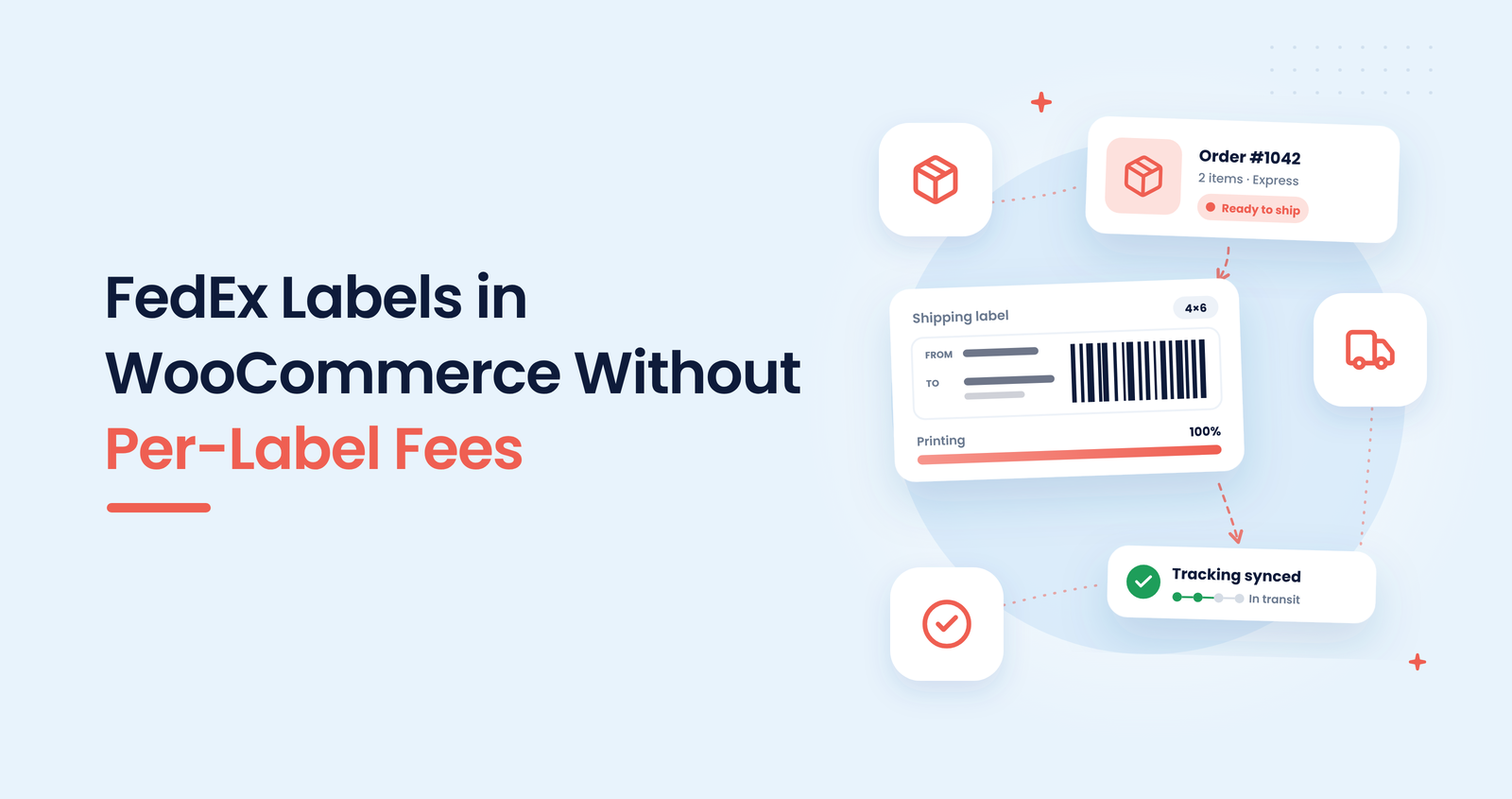
Every FedEx order starts the same way: open the order, copy the address into the carrier website, choose a service, pay for the label, download it, then paste the tracking number back into WooCommerce. On a busy day that loop eats the hour before courier pickup.
It doesn’t have to work that way.
ShipLabel — Shipping Labels for WooCommerce creates FedEx and USPS labels straight from the order screen, with live rates at checkout and tracking synced back to the order. The plugin adds no per-label fee, and you use your own FedEx account.
This guide covers the FedEx workflow from order to label to tracking, what you need before you start, and where the limits are.
What you need before you start
ShipLabel talks to FedEx through your own account, so a little setup comes first:
- A FedEx developer account. Create one on the FedEx Developer Portal to get your API credentials.
- Your FedEx shipping account number. FedEx needs it to bill the shipments to you.
- Your ship-from address and common box sizes. These make rates and packages accurate.
ShipLabel supports USPS and FedEx only. If you ship with UPS, DHL or another carrier, it won’t cover those orders.
How to print FedEx labels from WooCommerce
- Install and activate ShipLabel
Upload the plugin, activate your licence key and open the ShipLabel settings screen. Everything is configured on a single page. - Connect your FedEx account
Enter the API credentials from your FedEx developer account and your shipping account number, then save. - Add your ship-from address and packages
Set where parcels leave from and your usual package types. ShipLabel calculates packages automatically from the order contents. - Choose how rates work
Show live FedEx rates at checkout so customers pay the real shipping cost, or keep your own shipping methods and use ShipLabel only to create labels. - Create the label from the order
Open the order, pick the FedEx service and generate the label. Print it and attach it to the parcel. No second website, no copied address. - Let tracking sync back
ShipLabel syncs the FedEx tracking number to the order, and label history stays on the order so you can find or reprint a label later.
Shipping a big batch? The same steps scale up, see our guide to printing multiple shipping labels in WooCommerce.
Does ShipLabel charge per label?
No. ShipLabel is an annual licence, and the plugin adds no fee per label. FedEx still charges you for the shipping itself, billed to your own FedEx account at the rates in your agreement. The difference is that you are not paying a middleman for every label you print.
Manual FedEx shipping vs ShipLabel
| Task | Doing it by hand | With ShipLabel |
|---|---|---|
| Address | Copied into the carrier site | Taken from the order |
| Shipping cost | Looked up per parcel | Live rates at checkout |
| Label | Bought and downloaded elsewhere | Created from the order screen |
| Tracking | Pasted back by hand | Synced to the order |
| Label history | Scattered downloads | Kept on the order |
Limits to know about
- Two carriers only. USPS and FedEx are supported, nothing else.
- Your own accounts. You need a FedEx developer account and a shipping account number, and USPS needs its own developer account if you use it too.
- FedEx postage is separate. The plugin removes the per-label middleman, not the carrier’s shipping charge.
Want to see how USPS fits in as well? Read how to print USPS and FedEx labels in WooCommerce.
Conclusion
FedEx shipping doesn’t need a second website open next to every order. Connect your own FedEx account once, and ShipLabel handles the address, the rate, the label and the tracking number from inside WooCommerce.
If FedEx and USPS cover your shipping, that is an hour back before courier pickup, and no per-label fee on top.
Print FedEx labels without leaving WooCommerce
ShipLabel creates USPS and FedEx labels from your orders, with live rates and tracking synced back.
14-Day Money-Back Guarantee · HPOS Compatible · Native Order Fulfillments · Priority Support