
A customer in a country you rarely ship to picks Cash on Delivery. The parcel goes out, nobody opens the door, and it comes back at your cost. Or one region keeps sending cards that fail or get disputed. The product was fine. The payment method was the weak spot.
It doesn’t have to work that way.
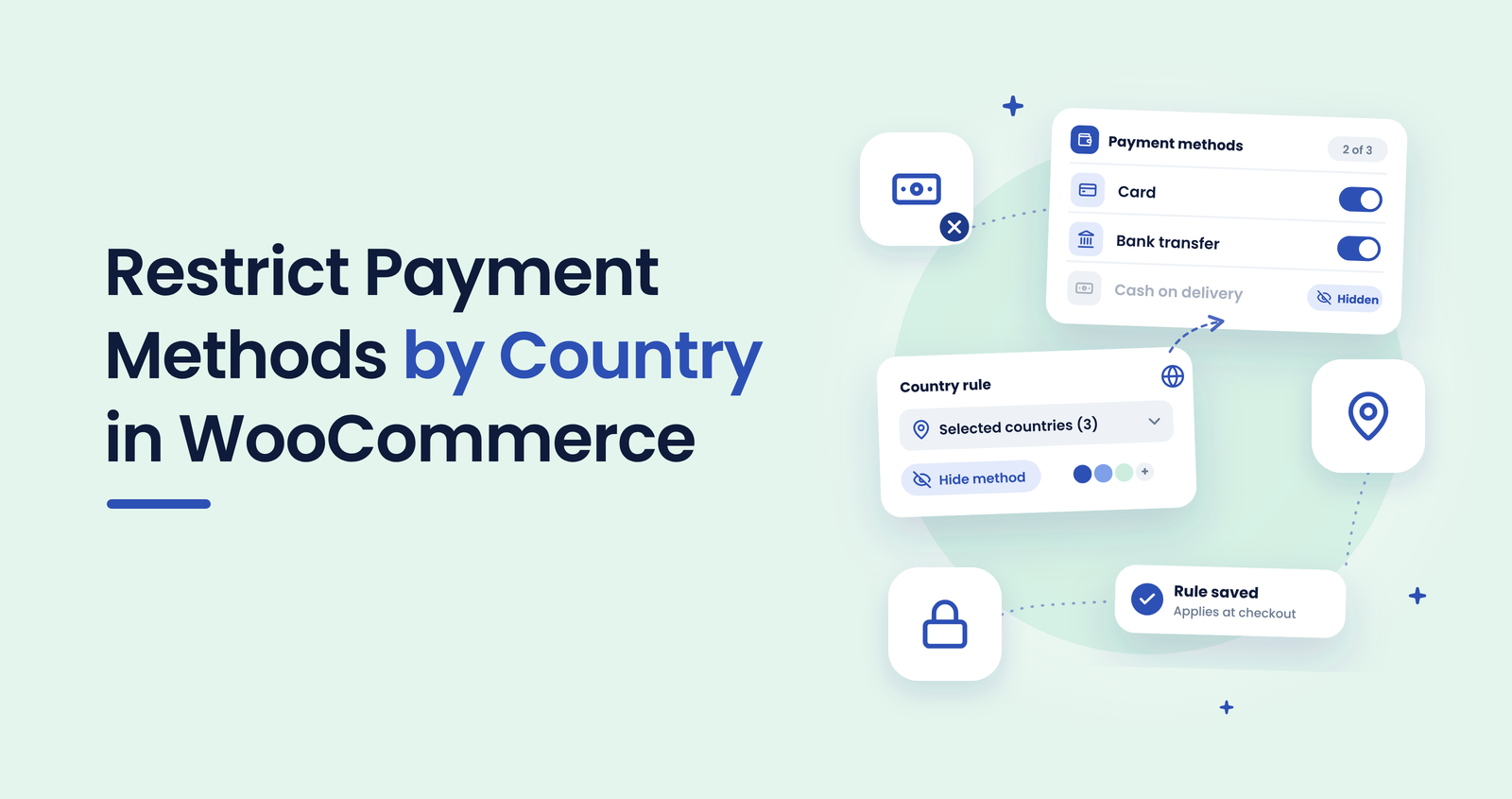
GeoBlock — Country Restrictions for WooCommerce can show or hide payment methods by the customer’s country, so a risky option simply isn’t offered where it causes trouble.
This guide explains how a WooCommerce payment gateway by country rule works, how to set one up and how to test it before real customers see it.
Why limit payment methods by country
Not every payment method carries the same risk everywhere. Cash on Delivery depends on someone being there to pay, which is harder to guarantee in regions where your courier is slow or unreliable. A bank transfer may only make sense for local customers. A card gateway may be the one that attracts disputes from a specific region.
Switching a method off for everyone is a blunt fix. A country rule lets you keep it where it works and remove it where it doesn’t.
What WooCommerce does on its own
WooCommerce lets you choose which countries you sell to and ship to, and some gateways have their own settings. That controls where orders can go, not which payment methods a visitor from a given country sees. If you want “Cash on Delivery for domestic customers only” or “no bank transfer from these regions”, you need a rule per payment method. That is the job GeoBlock Pro handles.
How to restrict a payment method by country in 7 steps
- Find the payment methods that cost you money
Check your refunded, failed and disputed orders from the last 30 to 60 days. Note which payment method and which country appear together most often. - Install GeoBlock Pro
Upload the plugin, activate it and enter your licence key. Payment gateway restrictions are a Pro feature. - Turn on geolocation for guests
Visitors who aren’t logged in are detected through WooCommerce geolocation (MaxMind GeoLite2), so make sure it is enabled in WooCommerce first. - Choose the payment method to restrict
Pick one method to start with, such as Cash on Delivery. Changing one rule at a time makes problems easy to trace. - Set include or exclude mode
Use “exclude” to hide the method in a short list of risky countries, or “include” to offer it only in the countries where it works. - Pick the countries and save
Select the countries for the rule and save. Start with the one or two regions your order data points to, not a long list. - Test the checkout before you trust it
Open your store logged out or in a private window and run through checkout with a matching address. Turn on Debug Mode while you test, then check that the method is hidden where it should be and still shown everywhere else.
Rules that work well in practice
| Goal | Rule idea |
|---|---|
| Stop refused COD parcels abroad | Offer Cash on Delivery in include mode for your home country only |
| Reduce disputes from one region | Hide the affected gateway in exclude mode for that country |
| Keep local-only methods local | Show bank transfer only to customers in the countries you serve directly |
| Test a change safely | Apply one rule, check it logged out, then add the next |
Limits to know before you rely on it
GeoBlock works inside WooCommerce. It does not block a country from your whole website; that is a job for Cloudflare or your hosting firewall. Visitors from a restricted country can still browse your store, they just don’t see the payment methods you hid. For the broader picture, read our guide on how to block countries in WooCommerce.
Logged-in customers are matched by their saved shipping address, then billing address. Guests depend on geolocation, and a VPN can hide a visitor’s real location, so treat a country rule as one layer, not a guarantee. It sits alongside the other steps in our WooCommerce fraud prevention guide.
If the problem is the product rather than the payment, see how to restrict WooCommerce products by country. Want to try it first? There’s a free version on WordPress.org for per-product country rules. Payment method rules are part of Pro.
Conclusion
Payment methods don’t all fit every market. A country rule lets you keep what works, remove what costs you money and see the result at checkout the same day.
Start with one method and one region, test it logged out, and add more rules only when your order data supports them.
Show the right payment methods in the right countries
Restrict products and payment methods by country inside WooCommerce, and test every rule before it goes live.
14-Day Money-Back Guarantee · HPOS Compatible · Priority Support