
Introduction
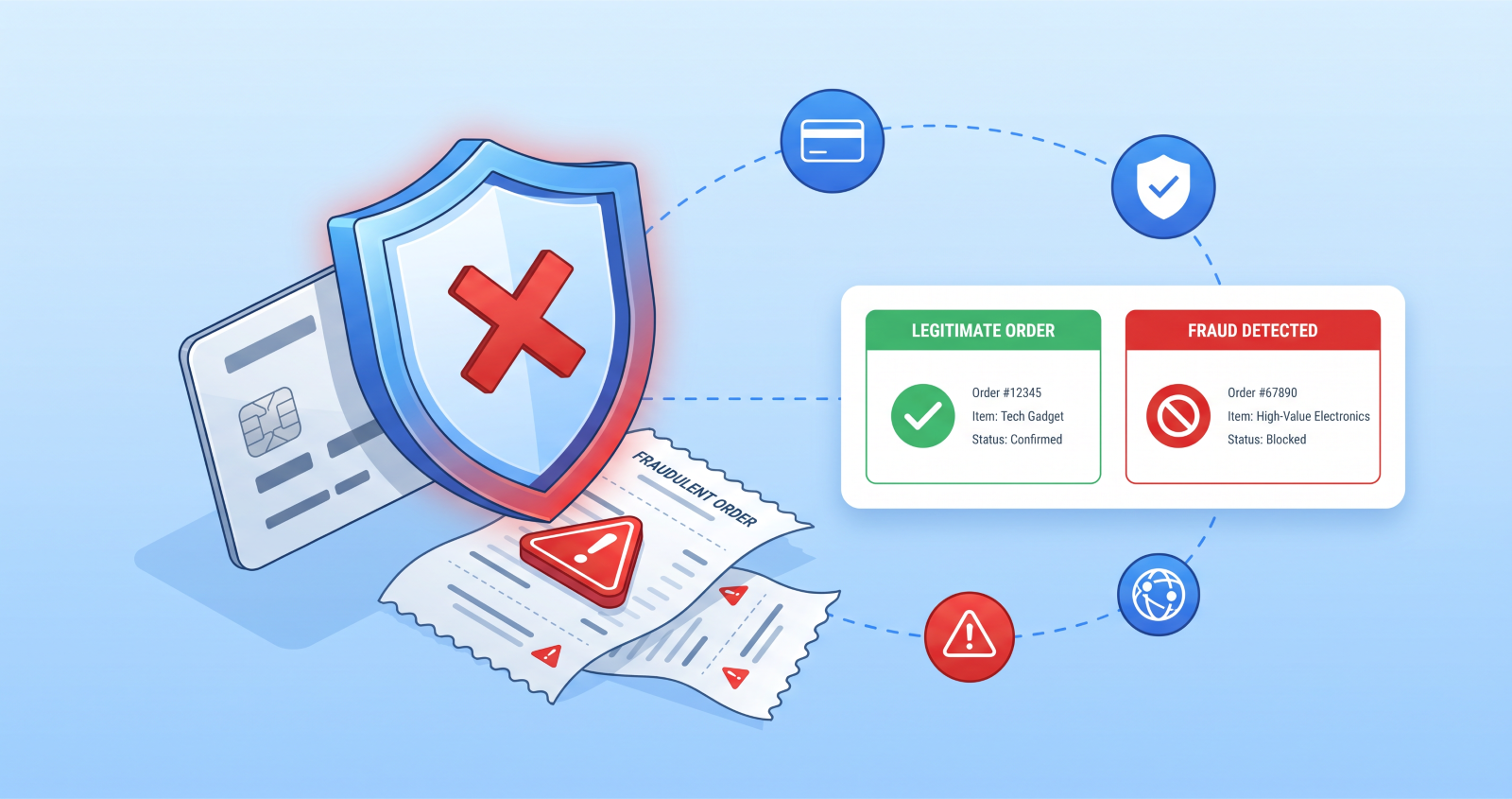
Ecommerce fraud costs online stores approximately $48 billion every year – and that figure is growing. In just the past 12 months, global losses surged by 16%. For WooCommerce store owners, the threat isn’t abstract: a single card testing attack can generate dozens of failed transaction fees in an hour. A single successful chargeback on a high-value order wipes out the margin on ten legitimate sales. A fraudulent account takeover can compromise a customer’s saved payment details and destroy hard-earned trust in minutes.
The fraud landscape in 2026 has shifted significantly. According to Experian’s 2026 Future of Fraud Forecast, attackers are now using agentic AI, emotionally intelligent fraud bots, and automated operations at a scale that makes manual order review insufficient on its own. TransUnion’s 2026 fraud trends report describes a shift toward identity-based schemes – account creation fraud, account takeover, and synthetic identity attacks – alongside traditional payment fraud. In short: fraud is not disappearing. It is becoming more sophisticated.
The good news is that layered fraud prevention – combining geographic controls, bot detection, payment verification, and order monitoring – stops the vast majority of WooCommerce fraud before it causes damage. This guide covers every layer.
The True Cost of WooCommerce Fraud
When a fraudulent order gets through, the financial damage runs deeper than most store owners initially calculate.
For a card testing attack – where a fraudster runs automated scripts testing hundreds of stolen card numbers against your checkout – you pay a processing fee on every declined transaction, not just successful ones. A store targeted by card testing can accumulate $100 to $500 in gateway fees from a single attack campaign, with zero revenue to offset it.
For a successful fraudulent order, the cost includes the product value, the shipping cost, the payment processing fee, and – if the cardholder files a dispute – an additional chargeback fee of $15 to $100 per case. When a chargeback is filed, WooCommerce statistics show that 90% of the time the bank sides with the cardholder. You lose the product, the payment, and pay an additional penalty.
For friendly fraud – where a legitimate customer falsely disputes a charge – the cost is the same as an external fraud event, but harder to prevent and harder to fight. Industry studies suggest friendly fraud now accounts for 40 to 50% of all chargeback losses.
Some WooCommerce stores absorb fraudulent order costs exceeding 4% of their total revenue. At a $300,000 annual revenue store, that’s $12,000 in direct fraud losses – before accounting for the operational cost of reviewing suspicious orders and fighting disputes.
The 6 Types of WooCommerce Fraud in 2026
Understanding which type of fraud you’re facing determines which prevention measures to prioritise.
Credit card fraud. Stolen card details are used to place orders. The fraudster wants the product; the legitimate cardholder disputes the charge. Red flags: new accounts, high-value orders, expedited shipping requests, billing and shipping addresses in different countries.
Card testing attacks. Automated bots run hundreds or thousands of small transactions through your checkout to validate stolen card numbers before using them for larger purchases. Red flags: multiple failed payment attempts in quick succession, orders for your cheapest products, traffic spikes to your checkout page with no corresponding traffic to product pages.
Friendly fraud. A legitimate customer makes a genuine purchase, receives the product, then disputes the charge with their bank claiming non-delivery or unauthorised use. Red flags: customers with a history of returns or disputes, orders followed quickly by “I never received this” contact, expedited shipping on disputed items.
Account takeover. Fraudsters use stolen credentials from data breaches to log into existing customer accounts, change the shipping address, and place orders using saved payment methods. Red flags: login from an unusual location or device, shipping address changes immediately before an order, orders using saved payment methods on accounts that haven’t ordered in months.
Synthetic identity fraud. Fabricated customer profiles built from a mix of real and fake information are used to create accounts and place orders. These are hard to detect because the email, address, and payment details may all appear legitimate individually. Red flags: new accounts with unusual profile patterns, email addresses that don’t match expected naming conventions for the billing name.
Refund and return fraud. Customers claim items arrived damaged or never arrived to obtain refunds while keeping the original product. Red flags: patterns of return claims from the same customer, claims on orders where delivery was confirmed by tracking, claims significantly after the expected delivery window.
Prevention Layer 1 – Geographic Access Control
If your store doesn’t ship to or serve customers in a specific country or region, there’s no legitimate reason to allow those visitors to reach your checkout. Blocking access from high-fraud regions at the product and checkout level is one of the most effective and underused WooCommerce fraud prevention measures.
Geographic blocking reduces card testing exposure by eliminating automated bot traffic that commonly originates from specific regions. It reduces fraudulent order attempts by preventing checkout access from countries with high chargeback rates. And it reduces account creation fraud by blocking regions where your business has no legitimate customer base.
GeoBlock handles WooCommerce country restriction at the product and checkout level. Hide products entirely for visitors from restricted countries, block checkout while allowing browsing for markets you’re building awareness in, or show a custom message with a contact option for visitors from regions where you’re not yet transacting. The Pro version adds payment gateway restriction by country – disabling specific payment methods for high-risk billing regions while keeping them available everywhere else.
See the complete WooCommerce country blocking guide for setup instructions.
Prevention Layer 2 – Bot and Automation Blocking
Card testing attacks are automated. The fraudsters running them aren’t manually typing card numbers into your checkout – they’re running scripts that submit hundreds of transactions per hour. Blocking the automation is the most efficient way to stop card testing before it generates fees.
Rate limiting at the checkout level – automatically blocking any IP that submits more than a defined number of payment attempts within a defined window – stops card testing scripts cold. The legitimate customer who enters a wrong card number once and retries won’t trigger a rate limit. The bot running 50 attempts per minute will.
ScraperBlock applies rate limiting across your WooCommerce store including checkout endpoints, with a separate configurable rate limit for the checkout and payment pages where card testing is most common. Bot signature blocking covers the known automation tools used for card testing attacks. For the ScraperBlock setup guide and how it protects your store from automated attacks, see How to Block AI Scrapers from Your WooCommerce Store.
Adding Google reCAPTCHA v3 (invisible to legitimate users) to your WooCommerce checkout is a complementary measure – it adds friction for automated scripts without affecting the real customer experience.
Prevention Layer 3 – Payment Gateway Fraud Tools
Your payment gateway is your second line of defence against card fraud. Most major gateways include built-in fraud detection that’s worth configuring properly.
Stripe Radar uses machine learning trained on data from millions of businesses to identify and block fraudulent payment patterns. Enable it in your Stripe dashboard and configure custom rules to flag orders with specific risk patterns common to your store – for example, blocking transactions where the billing country doesn’t match the card’s issuing country.
Enable AVS (Address Verification System) checks – these verify that the billing address submitted matches the address on file with the card issuer. Mismatches don’t automatically mean fraud, but they should trigger manual review for high-value orders.
Enable CVV verification – require the card security code on every transaction. Fraudsters who have stolen card numbers from data breaches often don’t have the CVV, since it’s not stored by most merchants.
Enable 3D Secure 2 (3DS2) for high-risk transactions. 3DS2 requires additional authentication from the cardholder – typically a push notification from their banking app – before the transaction completes. It adds a step for the customer but dramatically reduces chargeback liability because the issuing bank bears more responsibility for 3DS2-authenticated transactions.
Prevention Layer 4 – Order Risk Monitoring
Manual order review for every transaction isn’t scalable. But letting every order through without any screening creates exposure. The solution is automated risk scoring – assigning a risk score to each order based on multiple signals and flagging high-risk orders for manual review rather than automatically blocking them.
Risk signals worth monitoring: billing and shipping addresses in different countries, new account placing a high-value order immediately after registration, expedited shipping on a high-value order, multiple failed payment attempts before a successful one, email address that doesn’t match the name format (e.g. billing name “John Smith” with email “[email protected]”), orders from IP addresses associated with known proxies or VPNs.
Several WooCommerce fraud prevention plugins handle automated risk scoring: OPMC Anti-Fraud, YITH Anti-Fraud, FraudLabs Pro, and Dotstore Fraud Prevention all offer configurable rule-based scoring with automated actions (hold, cancel, or flag for review) when scores exceed your threshold.
Configure your fraud rules conservatively at first and refine them as you see your actual order patterns. An overly aggressive fraud filter creates false positives – legitimate orders blocked – which costs you sales and creates customer service issues.
Prevention Layer 5 – Account Security
Account takeover fraud exploits weak account security. Protecting customer accounts protects your store from orders placed using stolen credentials and saved payment methods.
Enforce strong password requirements at registration. Require a minimum password length and complexity – most fraud involving account takeover exploits short, dictionary-based passwords.
Enable login attempt limiting. After a set number of failed login attempts from a single IP, lock the account temporarily and notify the customer. This stops credential stuffing attacks that try thousands of password combinations.
Add optional two-factor authentication for customer accounts. Customers with 2FA enabled are significantly harder to compromise even if their password is breached.
Monitor for unusual login patterns. A customer who has only ever logged in from the UK suddenly logging in from an IP address in a different continent is a signal worth investigating. Several security plugins can alert you to unusual login patterns.
Prevention Layer 6 – Audit Logging for Staff-Facing Access
Account takeover doesn’t always come from external attackers. Internal access to customer accounts – by support staff diagnosing issues – can create accountability gaps if it’s not logged properly.
SwitchUser records every user account switch in a complete audit log: who switched, to which account, when, and from which IP address. If a customer reports unauthorised activity on their account, the audit log immediately shows whether any support agent accessed it and when. This protects both the customer and your team.
Red Flags – Orders That Deserve Manual Review
Train your team to flag orders that match multiple risk signals rather than any single one. One unusual signal is a coincidence. Multiple unusual signals together are worth reviewing.
Flag orders for manual review when you see: a new account placing an order over $200 in the first 24 hours, billing and shipping countries that don’t match, multiple failed payment attempts before success, expedited shipping on a high-value order from a new account, shipping to a freight forwarder or package reshipping address, orders where the customer contacted support to change the shipping address after placing the order.
Don’t automatically cancel high-risk orders – contact the customer first. Many high-risk signals have legitimate explanations. An automatic cancellation of a legitimate order is a poor customer experience and costs you the sale.
Frequently Asked Questions
What is card testing in WooCommerce and how do I stop it?
Card testing is when fraudsters use automated scripts to run hundreds of small transactions through your checkout to validate stolen card numbers. Stop it by adding rate limiting to your checkout page (ScraperBlock handles this), enabling reCAPTCHA v3 on checkout, and configuring your payment gateway to block IPs that generate multiple failed payment attempts in a short window.
How do I fight a WooCommerce chargeback?
To fight a chargeback, gather all evidence: the order confirmation email sent to the customer, the shipping confirmation with tracking, proof of delivery, and any customer communications. Submit these through your payment gateway’s dispute process. For digital products, provide login records and download logs. Chargebacks on 3DS2-authenticated transactions are more winnable because the issuing bank shares liability.
Does blocking countries hurt my SEO?
No. Country-based product restrictions don’t affect how search engines crawl and index your site. Googlebot is never blocked by geographic product restrictions. The restriction applies to visitors in restricted countries, not to search engine crawlers.
How much fraud is too much – when should I be worried?
Industry benchmarks suggest that a chargeback rate below 0.5% of total transactions is acceptable. Above 1% is a warning signal. Above 2% can trigger payment processor sanctions, including increased fees or account suspension. Monitor your chargeback rate monthly.
Can I block entire countries from my WooCommerce store?
Yes. GeoBlock lets you hide products, block checkout, or show a custom message to visitors from specific countries – at the product level or globally. See the complete country blocking guide.
Wrapping Up
WooCommerce fraud prevention in 2026 requires a layered approach. Geographic access control reduces exposure from high-fraud regions. Bot blocking stops automated card testing before it generates fees. Payment gateway fraud tools verify card legitimacy at the transaction level. Order risk monitoring flags suspicious patterns for review. Account security measures protect against credential stuffing and takeover. Audit logging creates accountability for internal account access.
No single measure stops all fraud. But combining these layers makes your store a significantly harder target than the average WooCommerce installation – and most automated fraud operations move on to easier targets when they hit meaningful resistance.
Make your store a harder target for fraud
Restrict high-risk countries by product or payment gateway, and stop card-testing bots before they reach checkout.
Get GeoBlock from $99 → Get ScraperBlock from $99 →
14-Day Money-Back Guarantee · HPOS Compatible · Priority Support