
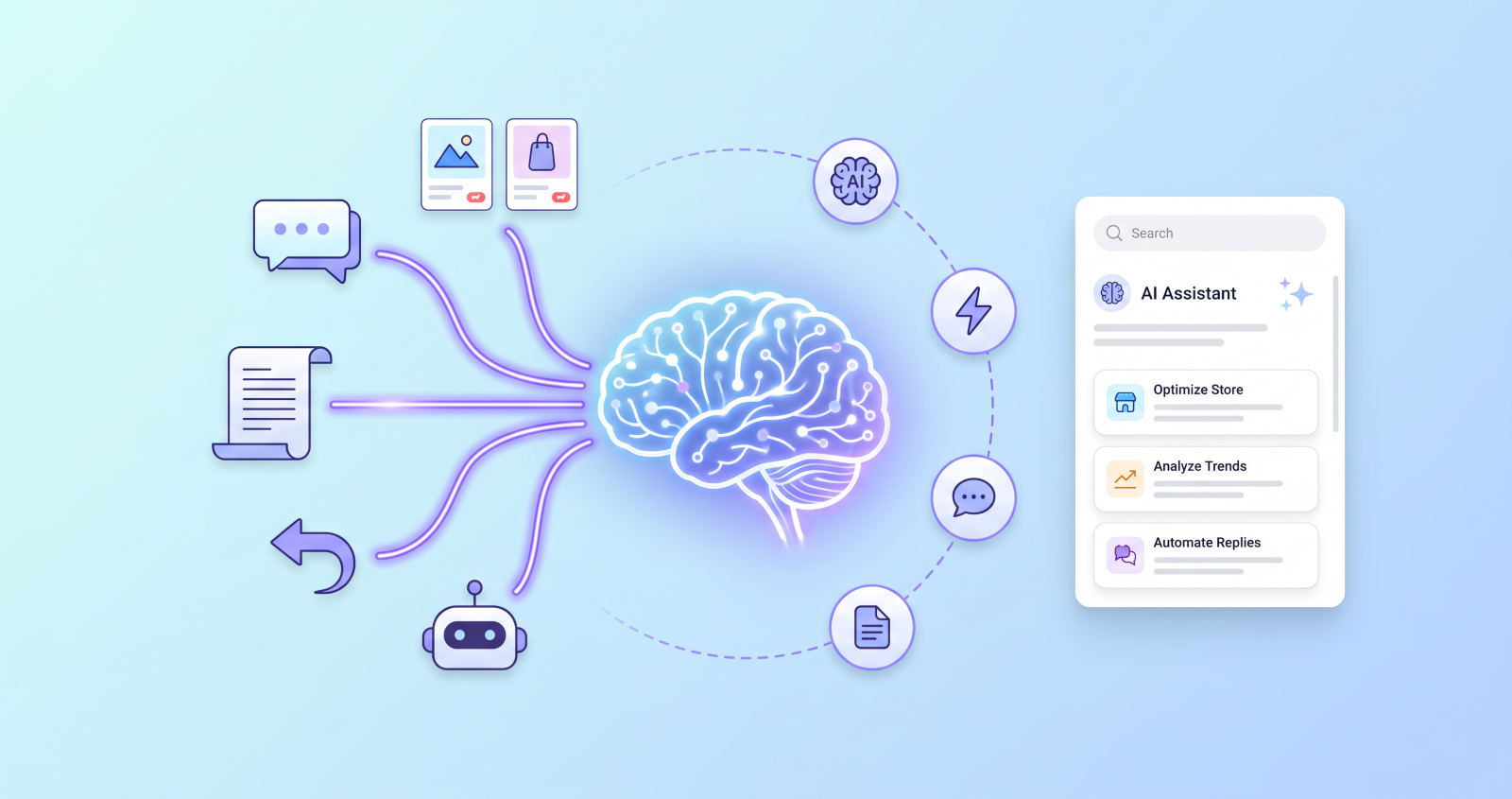
Your customers ask a question at 11 pm, nobody answers, and they buy from the next store in their search results. Multiply that by every out-of-hours visitor and you see what manual store management costs in 2026.
Meanwhile, your product copy is being scraped, your returns land in an inbox, and your documentation lives in your head.
There’s a better way — and it starts with using AI where it does real work in a store.
ShopChat — AI Shop Assistant for WooCommerce is a good example: an AI chat widget that reads your live product catalogue to answer questions, suggest upsells and hand off to a human when needed.
This guide covers the six biggest ways AI is reshaping WooCommerce in 2026, including two most store owners haven’t considered, and what to do about each.
1. AI shop assistants are replacing basic chatbots
- Move from decision trees to real answers
First-generation chatbots only handled menu clicks. An AI assistant that reads your live catalogue can answer “Do you have this in blue, size large?” or “Will it arrive before Friday?” - Keep stock and prices current
ShopChat checks your WooCommerce product data on each query, not a cached index, so stock, prices and variants stay accurate. - Let it suggest the next product
The upsell engine recommends complementary items inside the conversation, based on what the customer asked and what is in their cart. - Hand complex cases to a human
Complaints and emotional situations still need a person. Set clear handoff rules.
For a full comparison of what makes an AI chatbot useful, read our guide to adding an AI chatbot to WooCommerce.
If you want to act on the support shift, here is a step-by-step guide to adding an AI shop assistant to WooCommerce.
2. AI-written product content
AI tools such as ChatGPT, Claude and Gemini can turn product specifications into first drafts in seconds. For a large catalogue, the bottleneck moves from writing to reviewing.
The workflow: give the AI the product name, specs, key features and target customer. Review the draft for accuracy and brand voice. Publish.
AI can invent specifications or overstate features. Treat the output as a draft, never as finished copy.
3. AI-driven recommendations
Recommendations lift average order value when they appear at the right moment: in the cart, at checkout and in post-purchase emails. The best logic looks at browsing behaviour, cart contents and stock, not just “customers also bought”.
Conversational upsells do this in context, because they respond to what the shopper is actually asking about.
4. AI site documentation for agencies
Client documentation is non-billable work that most agencies do by hand. Scanning a site’s plugins, ACF fields, custom post types and WooCommerce settings, then asking an AI to describe them in plain English, turns hours into minutes.
SiteDocs — AI Site Documentation for WordPress does this and exports a branded PDF for the client. See The WordPress Client Handover Checklist for what good handover documentation covers.
If you want an AI assistant to manage the site itself, the free WindCodex Ops plugin connects Claude, ChatGPT and other MCP-compatible tools to WordPress through a fixed, tested list of actions for posts, pages, media, SEO and site health.
5. AI scrapers and your store content
This is the shift most WooCommerce guides skip. AI training crawlers and price-monitoring bots collect product descriptions, prices and images from stores at scale. The result: your copy can resurface elsewhere, competitors can track your pricing, and bot sessions skew your analytics.
ScraperBlock — AI & Bot Protection for WooCommerce blocks known AI and scraper bots, applies rate limiting and adds honeypots. Content poisoning, which serves decoy data to bots that slip through, is part of the Pro version. Our step-by-step guide shows how to block AI scrapers in WooCommerce.
6. Automated returns and fulfilment
Returns handled by email don’t scale. A self-service portal with eligibility rules, status updates, exchanges and store credit removes most of the manual handling.
ReturnDesk — Automated Returns & Exchanges for WooCommerce covers this. The full walkthrough is in How to Automate WooCommerce Returns.
The same logic applies to feeds and shipping. ShopFeed builds your product feeds, and our post on creating a Google Shopping feed shows the setup.
The six shifts at a glance
| Shift | What it does | WindCodex tool |
|---|---|---|
| AI shop assistant | Answers shopper questions from live catalogue | ShopChat |
| AI product content | Drafts descriptions for review | Your AI tool of choice |
| Recommendations | Suggests relevant products in context | ShopChat |
| Site documentation | Explains the site in plain English | SiteDocs |
| Scraper defence | Blocks AI and price bots | ScraperBlock |
| Returns automation | Self-service returns and exchanges | ReturnDesk |
What AI can’t replace
AI handles routine questions well. It struggles with complex complaints and anything needing judgement, and it needs a human review pass on content. Use it to take the repetitive load so your team can focus on those cases.
Conclusion
AI is now part of how WooCommerce stores answer customers, write content, protect catalogues and process returns. Start with the shift that costs you the most time today, and add the others one at a time.
Ready to put this into practice? Here are the best WooCommerce plugins for 2026 to start with.
Ready to add an AI shop assistant to your WooCommerce store?
Answer shopper questions around the clock from your live catalogue and recommend the next product in the same chat.
14-Day Money-Back Guarantee · HPOS Compatible · Priority Support