
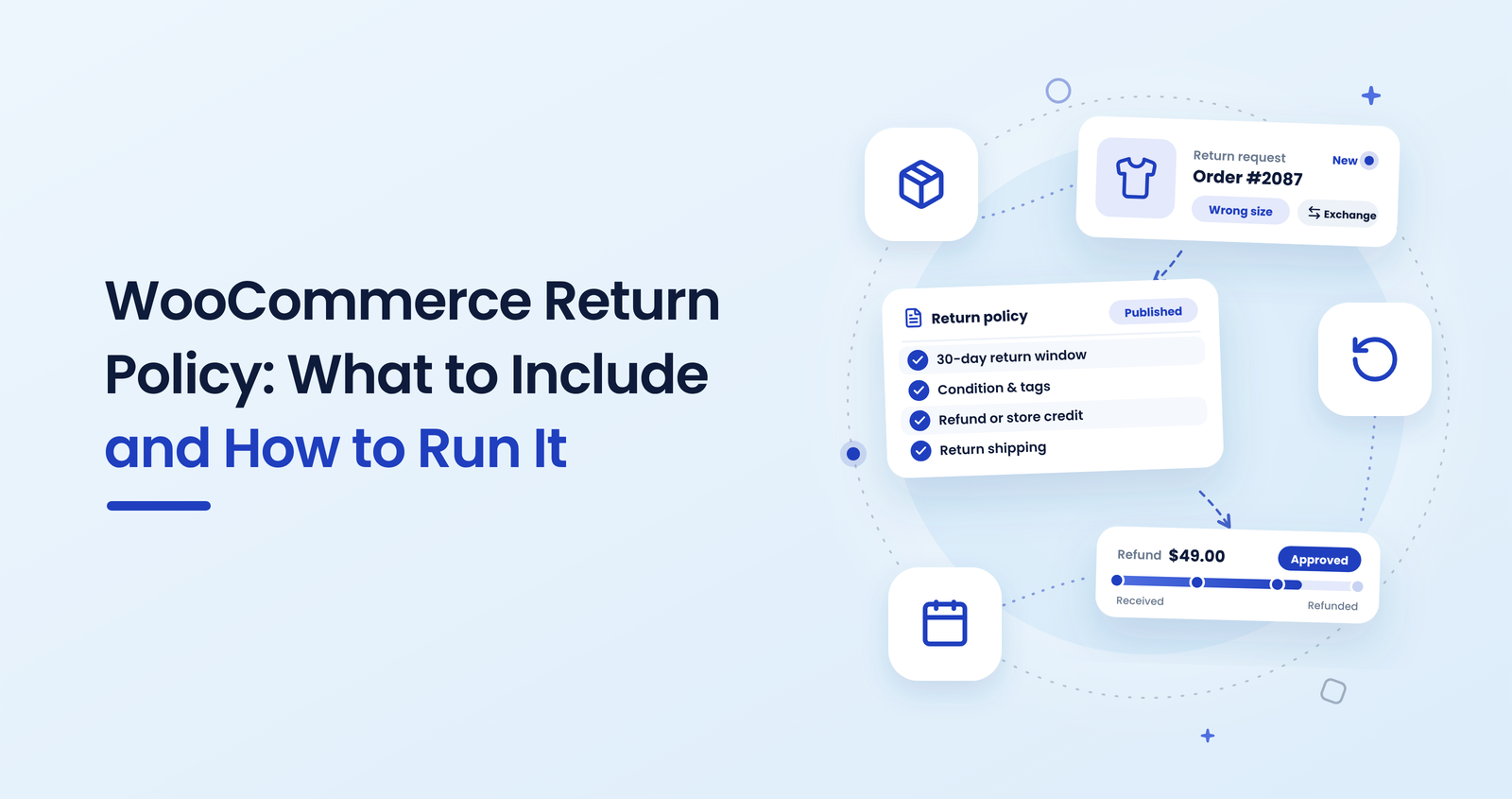
A customer emails to send something back. You open your policy page and find one line: “Returns accepted within 30 days.” Now you are answering questions the policy should have answered. Do worn items count? Who pays postage? Is it a refund or store credit?
It doesn’t have to work that way.
A clear return policy, run through a proper request form, removes most of those emails. With ReturnDesk — Automated Returns & Exchanges for WooCommerce, customers file the request themselves and you apply your policy the same way every time.
This guide covers what your WooCommerce return policy should say, and how to turn it into a simple process your customers can follow.
What a WooCommerce return policy should include
Keep each point short and specific. If a customer can read it in one minute and know what to do, it is doing its job.
- Return window
State the number of days and when the clock starts: the order date, the delivery date or the shipping confirmation. “30 days from delivery” leaves less to argue about than “30 days”. - Item condition
Say what you accept: unused, in original packaging, with tags. If opened items can be returned for some products only, say which. - Who pays return shipping
Decide whether the customer pays, you pay, or it depends on the reason (for example, you pay when the item is faulty or wrong). Write the rule down in plain words. - Refund, exchange or store credit
List the options you offer and what the customer gets for each. If you only refund to the original payment method, or offer store credit for non-faulty returns, say so. - Exceptions
Name anything you do not take back: personalised items, perishable goods, hygiene products, final-sale items. Mark those products on the product page too, not only in the policy. - How to start a return
Point to one place: a request form or portal, not “email us”. Tell customers what to have ready, such as the order number and a reason. - What happens next
Give realistic timelines: how fast you respond to a request and how long a refund takes after the item arrives. Only promise what you can keep.
Check local consumer rules for your market before you publish. Statutory return rights vary by country, and your policy should never promise less than the law requires.
Where to publish the policy
A policy that is hard to find causes the same emails as a missing one. Put it on its own page, link it in the footer, and add a short summary near the checkout button. Link it from order emails as well, so customers can find it when they actually need it.
Keep the wording on the page consistent with the wording in your return form. If the page says 30 days and the form says 14, you will lose the argument every time.
How to run the policy with ReturnDesk
Writing the rules is half the job. The other half is applying them without handling every case by hand. ReturnDesk gives your store a self-service returns portal, so the policy becomes a process:
- Customers request returns themselves. They pick the order and items and give a reason, instead of writing an email.
- Auto-approvals for clear cases. Requests that match your rules can be approved automatically, so you only review the exceptions.
- Exchanges and store credit. Offer an exchange or store credit as an alternative to a refund, as your policy allows.
- Status updates, including WhatsApp. Customers get notified as the request moves forward, which cuts the “where is my return?” emails.
Set up your rules under WooCommerce → ReturnDesk → Return Rules, using the decisions you made above. For a full walkthrough, see our guide to setting up a self-service returns portal.
Want to try it first? There’s a free version on WordPress.org.
From policy decision to portal rule
| Policy question | What you decide | How a returns portal helps |
|---|---|---|
| Return window | Number of days and start date | Requests outside the window are easy to spot |
| Condition | Unused, tagged, packaged | Customers confirm the condition when they apply |
| Return shipping | Customer or store pays | One rule, applied to every request |
| Outcome | Refund, exchange or store credit | Customer chooses from the options you allow |
| Exceptions | Final-sale and custom items | Fewer invalid requests reach your inbox |
| Communication | Response and refund times | Status updates replace manual replies |
For the bigger picture on cutting manual work, read how to automate WooCommerce returns without losing customers.
Conclusion
A good return policy answers the same questions customers would otherwise email you: window, condition, shipping cost, outcome, exceptions and timing. Write it in plain words and publish it where people look.
Then give customers one place to start a return. When the policy and the process match, returns stop being a daily interruption and become a routine you control.
Run your return policy without the email back-and-forth
Give customers a self-service returns portal with auto-approvals, exchanges and store credit, so your policy is applied the same way every time.
14-Day Money-Back Guarantee · HPOS Compatible · Priority Support