
Generative AI has become part of everyday work. Teams use ChatGPT, Claude, Gemini and Perplexity to summarise research, draft replies, compare suppliers and learn from long-form content. Yet the way most people get information into those tools has barely changed: select the page, copy it, paste it into a chat, remove the navigation, adverts and cookie notices that came with it, and then type the same instructions they typed yesterday.
That workflow is slow, inconsistent and easy to get wrong. It doesn’t have to work that way.
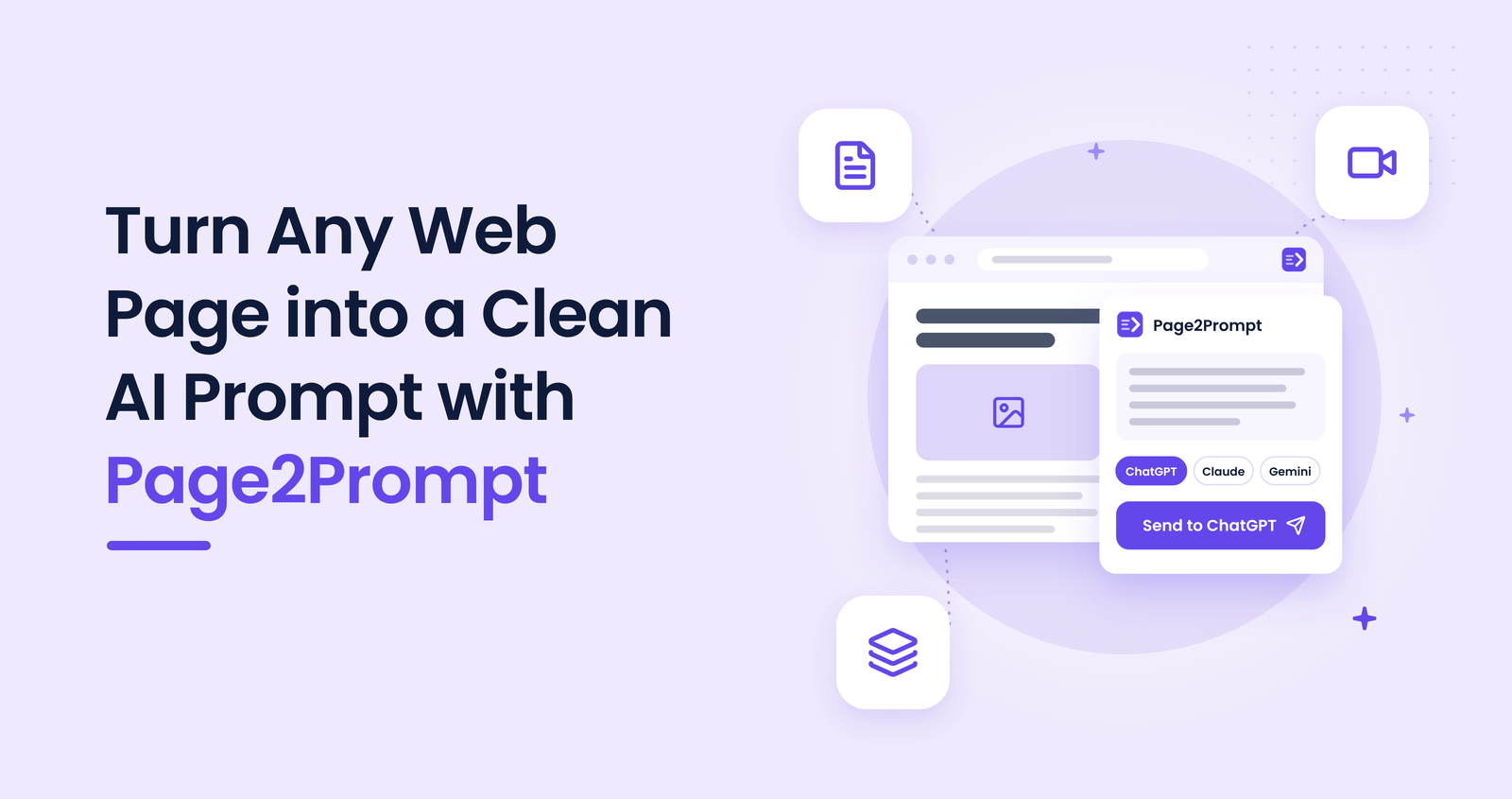
Page2Prompt — Send Any Page to AI is a new Chrome extension from WindCodex that captures the content that matters on a page, pairs it with a well-structured prompt and delivers it to your AI assistant in a single click.
This article explains the problem Page2Prompt solves, how it works, what is included in the free and Pro plans, and what to consider before you build it into your workflow.
Why copy and paste limits the quality of AI output
The quality of an AI response depends heavily on the quality of its input. A copied web page rarely arrives clean. Menus, footers, advertising, related-article links and consent banners all enter the prompt, diluting the content the model should focus on and consuming space in its context window.
Some of the most valuable sources cannot be copied at all. A 45-minute YouTube video offers no text to select, and data tables frequently lose their structure when pasted, leaving the AI to guess which value belongs to which column. When the instructions are rewritten by hand every time, results also vary from one person, and one day, to the next.
How Page2Prompt works in 5 steps
- Install the extension
Add Page2Prompt from the Chrome Web Store. The free plan requires no account or sign-up. - Open the source
Any article, blog post, documentation page, report, YouTube video or page containing data tables. - Open Page2Prompt
Click the toolbar icon or press Alt+Shift+P. A preview shows exactly what was captured, together with an estimated token count. - Choose a capture mode and template
Select Page, Selection, Video, Tables or Tabs, then a prompt template such as Summarize, Key facts & actions or Compare sources. - Send it to your AI
Choose ChatGPT, Claude, Gemini or Perplexity. Page2Prompt opens the assistant and inserts the completed prompt, ready for you to review and submit.
What changes compared with copy and paste
| Task | Manual copy and paste | Page2Prompt |
|---|---|---|
| Content quality | Navigation, ads and banners included | Main content only, converted to clean Markdown with the source link |
| Video content | Not possible without a separate tool | Full YouTube transcript with timestamps |
| Data tables | Structure frequently lost | Rows and columns preserved |
| Multiple sources | Pasted and labelled one at a time | Several open tabs combined, each labelled with its source |
| Instructions | Rewritten for every request | Consistent, ready-made templates, plus your own |
Free and Pro plans
| Feature | Free | Pro |
|---|---|---|
| Page and Selection capture | Included | Included |
| Video, Tables and Tabs capture | – | Included |
| Prompt templates | Just the content, Summarize, Explain simply | All 8, including Key facts & actions, Draft a reply, SEO content brief, Compare sources and Video notes |
| Custom templates and prompt history | – | Included |
| Keyboard shortcuts and right-click menu | Included | Included |
What to check before you rely on it
- Your existing AI account: Page2Prompt works with the ChatGPT, Claude, Gemini or Perplexity account you already use, free or paid. That account’s usage limits and policies continue to apply.
- Video transcripts: Video mode relies on the video’s captions, including auto-generated ones. Videos without captions cannot be transcribed.
- Prompt length: review the token count on very long pages. If a page exceeds what your assistant accepts in one message, use Selection to send only the relevant section.
- Clipboard fallback: the prompt is always copied to your clipboard as well. If a site prevents automatic insertion, press Ctrl+V in the chat field.
- Data privacy: content is processed locally in your browser and sent directly to the assistant you choose. It never passes through WindCodex servers.
- Human review: as with any AI output, verify facts, figures and quotations before you publish or act on them.
If you are evaluating how AI fits into your wider business, our overview of AI for WooCommerce in 2026 covers the practical use cases worth prioritising.
Who gets the most from Page2Prompt
Page2Prompt is designed for professionals who bring web content into AI tools several times a day. Content and marketing teams use it to research and brief articles. Analysts and consultants use it to summarise reports and compare sources. Students and researchers use it to take structured notes from articles and lectures. Support and operations teams use it to draft accurate replies from documentation. For occasional use the free plan is sufficient; Pro is intended for those who rely on AI as part of their daily workflow.
What comes next
Page2Prompt will receive a new release every week. The roadmap includes generating advertising copy from product pages, rebuilding page designs with AI, and sending images together with purpose-built prompts.
Conclusion
The value of an AI assistant depends on the context it receives. Page2Prompt removes the manual preparation between a web page and a useful answer: it captures the right content, applies a consistent prompt and delivers both to the assistant you already use, in one click.
Install Page2Prompt today and use it on the next page you would normally copy into an AI chat.
Start sending pages to AI in one click
Turn any web page, YouTube video or data table into a clean, structured prompt for ChatGPT, Claude, Gemini or Perplexity.
Add Page2Prompt to Chrome, free →
Free plan available · No account required · Content never passes through our servers · WELCOME20: 20% off your first Pro payment